



From R14 000
Internal tools & dashboards
The spreadsheet your business runs on, rebuilt as something that will not break.
There is usually one shared spreadsheet that half the company has open at the same time. Rows get overwritten, nobody knows who changed what, and the person who built it is the only one who really understands it.
- Good fit
- You run something that matters on a spreadsheet, several people edit it, and it has started to break.
- Not a fit
- If the spreadsheet still works fine, or you want a large off-the-shelf system configured rather than a small tool built, I am the wrong person.
A screen for each job
A spreadsheet makes everybody do everything in the same grid. A tool gives each job its own screen, with only the fields that job needs and no way to type into the wrong column.
It also means two people can work at once without landing on top of each other, which is usually the thing that finally forces the change.
A history nobody can quietly edit
Every change is recorded, with who made it and when. Not to catch anybody out — so that when something looks wrong in three weeks, the answer takes a minute instead of an afternoon.
On the dashboard side, the numbers you check every morning on one screen that keeps itself up to date, rather than an export somebody reformats by hand.
What you get
- A screen for each job, instead of one spreadsheet doing everything
- A record of who changed what, and when
- Logins, so people only see what they need to
- The numbers you check daily on one screen
- Usable on a phone, for the people who are not at a desk
- Your existing information brought across
How it runs
- 01 Look at what you have The spreadsheet, the WhatsApp group, and whatever lives in one person’s head.
- 02 Agree the screens What each person does, and what they should see while they do it.
- 03 Build, with your data in it Built and filled with your real information, so you are testing the actual thing.
- 04 Move everyone across Switched on, with the old spreadsheet kept until nobody is reaching for it.
Where I have done this
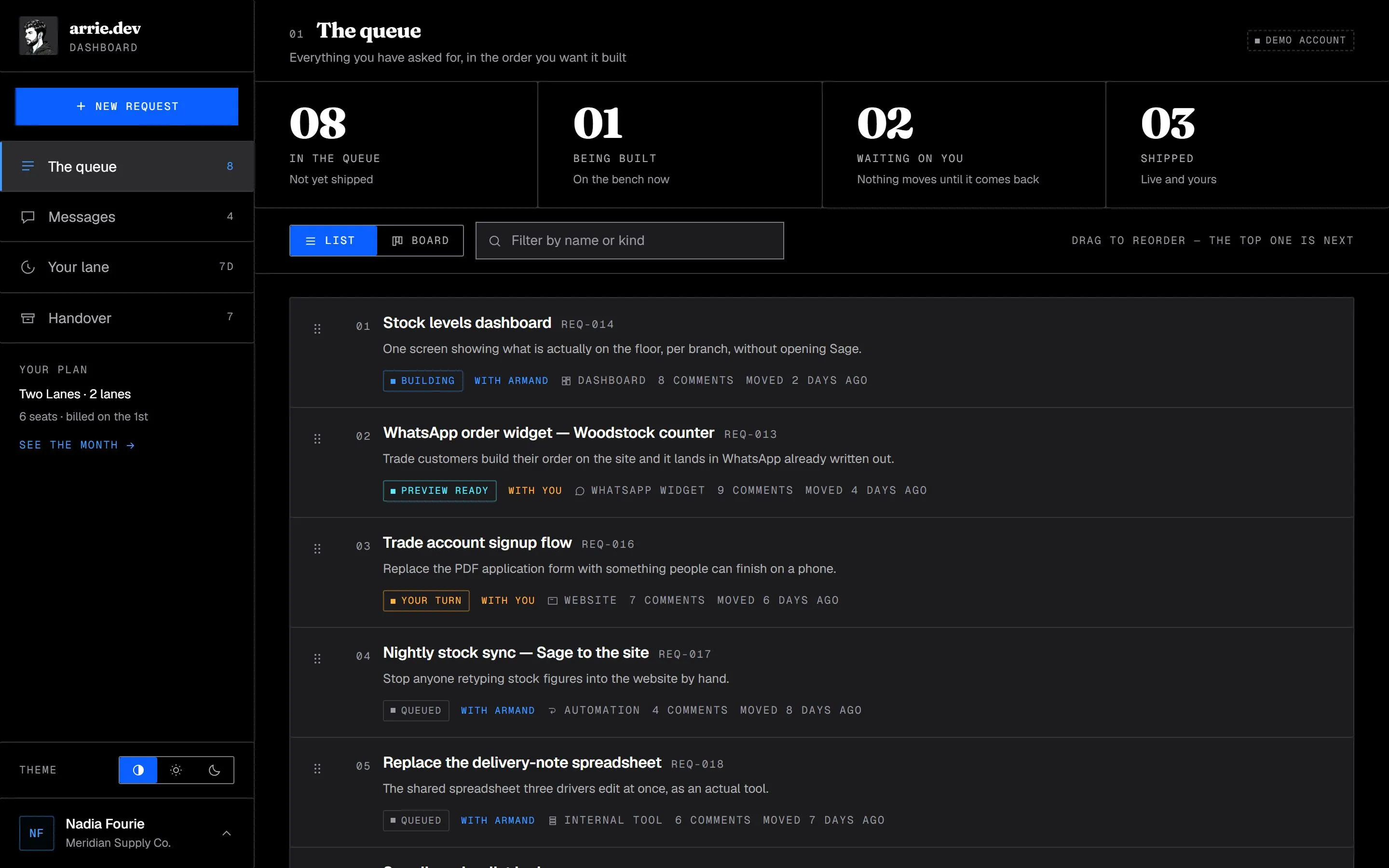
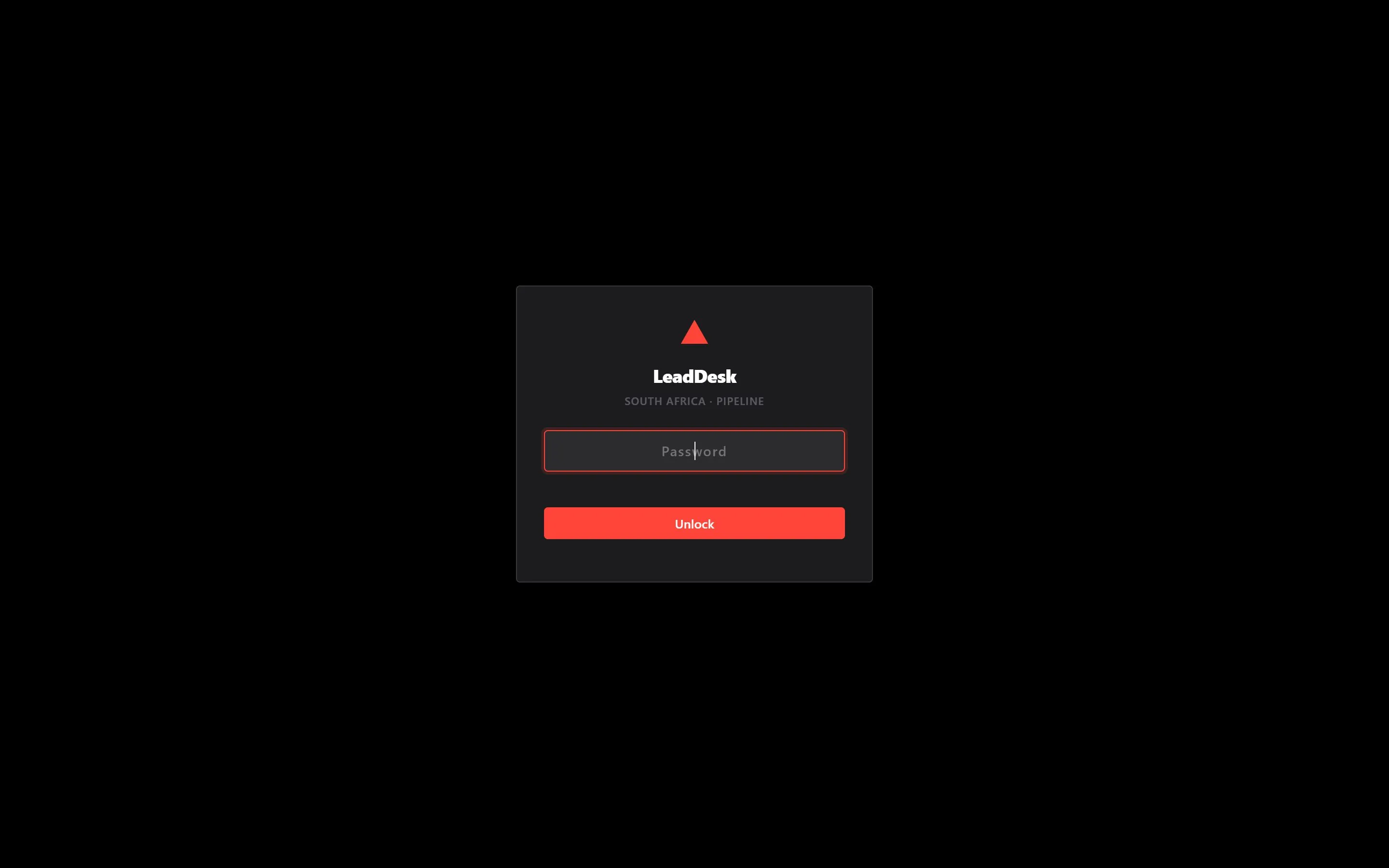
Straight answers
- What happens to our current spreadsheet?
- Everything in it comes across. The old one stays available until nobody has opened it for a few weeks, then it gets archived rather than deleted.
- Can we add to it later?
- Yes, and it is built expecting that. Adding a field or a screen later should be an afternoon, not a rebuild.
- Where does our information live?
- In your own account, not mine. If we stop working together it stays exactly where it is and you carry on.
Start a project
Need internal tools & dashboards?
You run something that matters on a spreadsheet, several people edit it, and it has started to break.
Pick whichever suits you