

From R2 500
WhatsApp widgets
A WhatsApp button that arrives with the enquiry already written out.
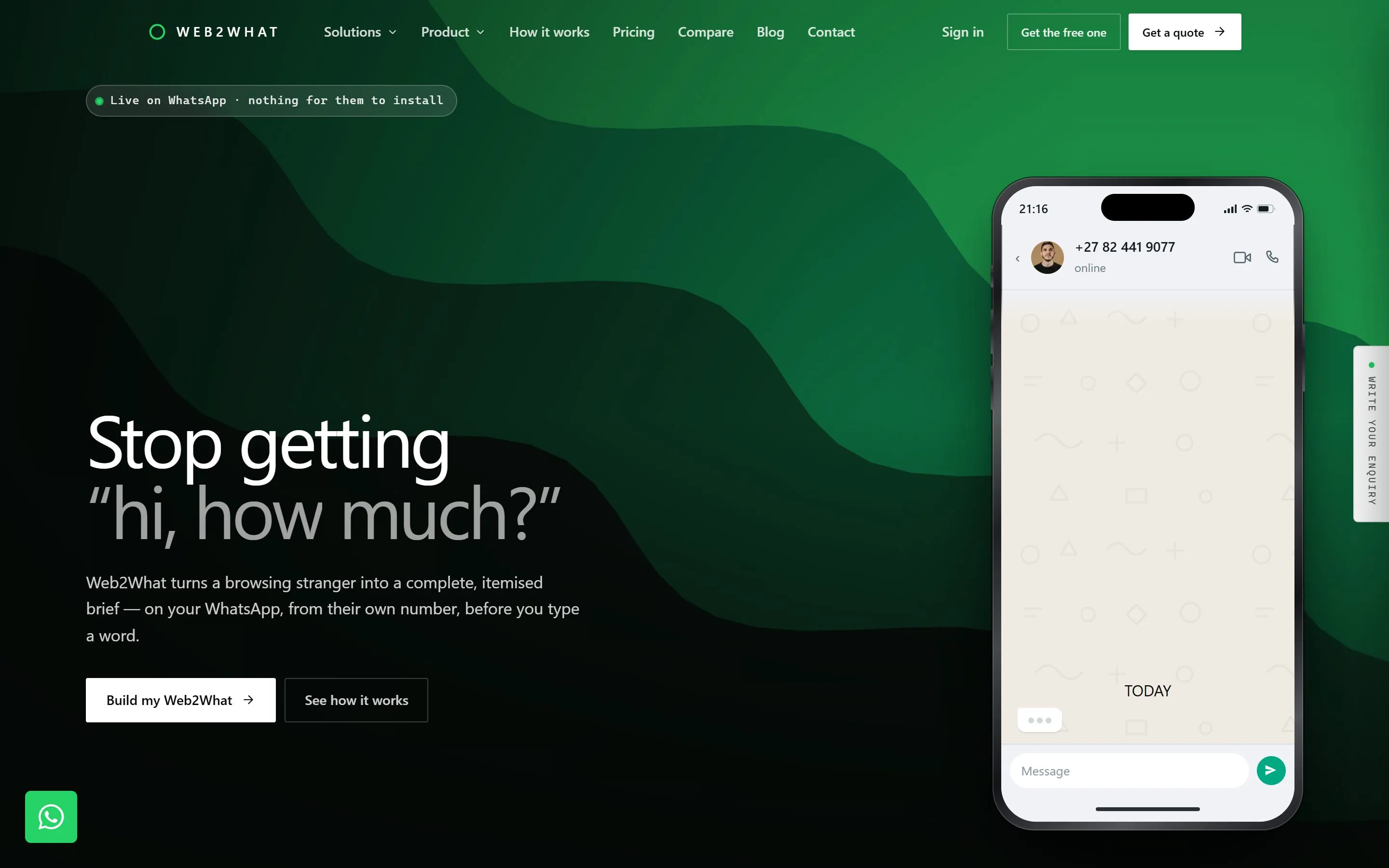
Enquiries land on WhatsApp as "hi, how much?" and then take six messages to work out what the person actually wants. This asks those questions on your website first.
- Good fit
- A business that already takes enquiries on WhatsApp and wants the conversation to start with the details rather than a blank box.
- Not a fit
- Not for you if you want a shared team inbox, ticketing or a chatbot — this opens a chat and stops there.
The questions are yours
You decide what gets asked, in your own words. What they need, how much of it, where they are, how soon — whatever tells you an enquiry is worth chasing.
The customer answers on your site, and what reaches you is one message with all of it already written out. No back and forth to establish the basics.
It goes where it should
Different branches, areas or departments can each have their own number, so an enquiry about one thing does not land with the person who handles another.
It opens the WhatsApp app on a phone and WhatsApp Web on a computer, and it drops into the site you already have, whoever built it.
What you get
- A set of questions you decide on, in your own words
- Opens straight into WhatsApp with the answers already typed out
- Sends to different numbers by branch, area or department
- Fits onto the site you already have, whoever built it
- Works the same on a phone and on a computer
- No monthly fee and no third party between you and your leads
How it runs
- 01 Work out the questions Usually one conversation. What actually tells you an enquiry is worth your time.
- 02 Match your site Your colours, your wording, your button. It should not look bolted on.
- 03 Route it One number, or several, split by branch or department.
- 04 Drop it in Added to your existing site and tested on a real phone before it goes live.
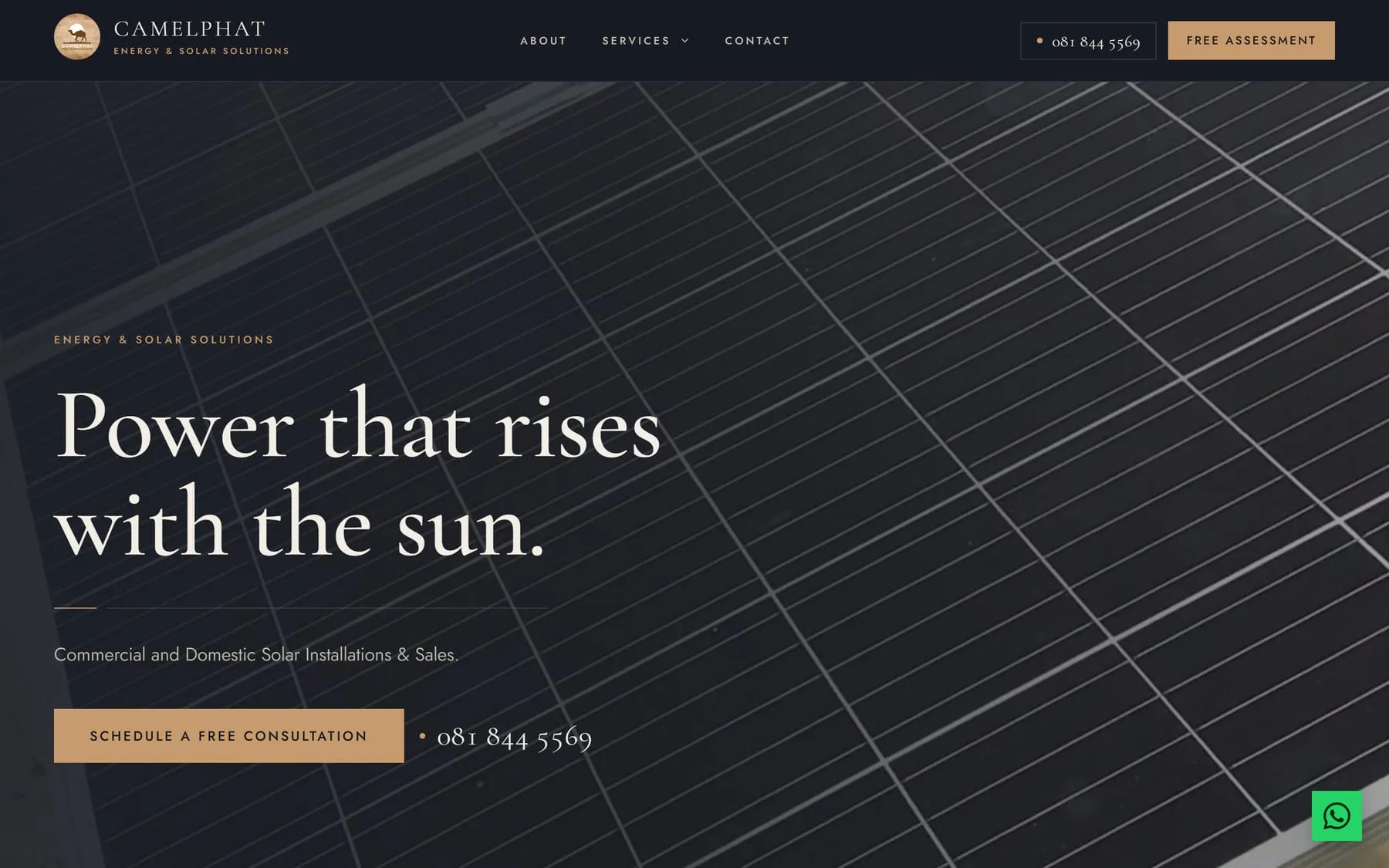
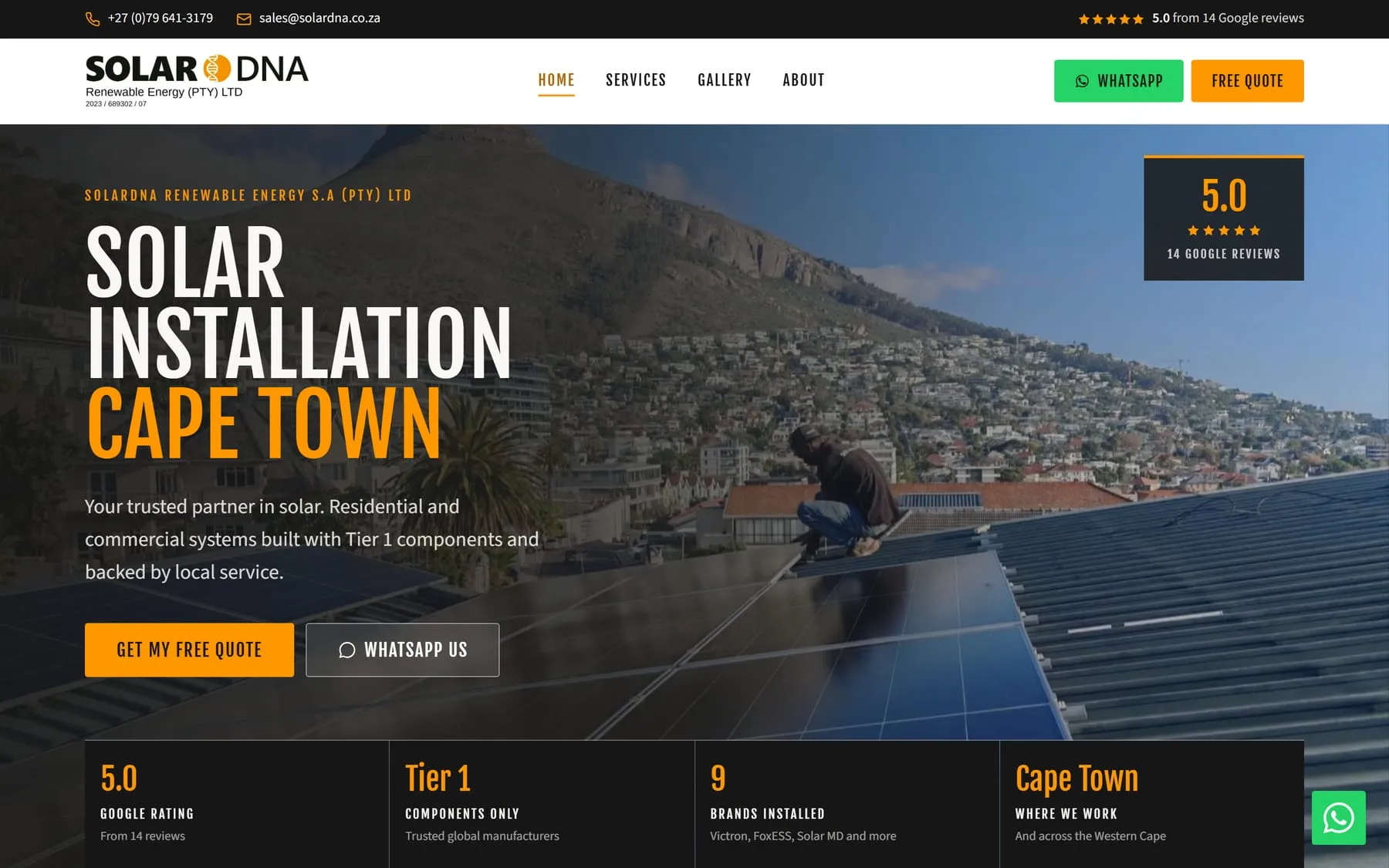
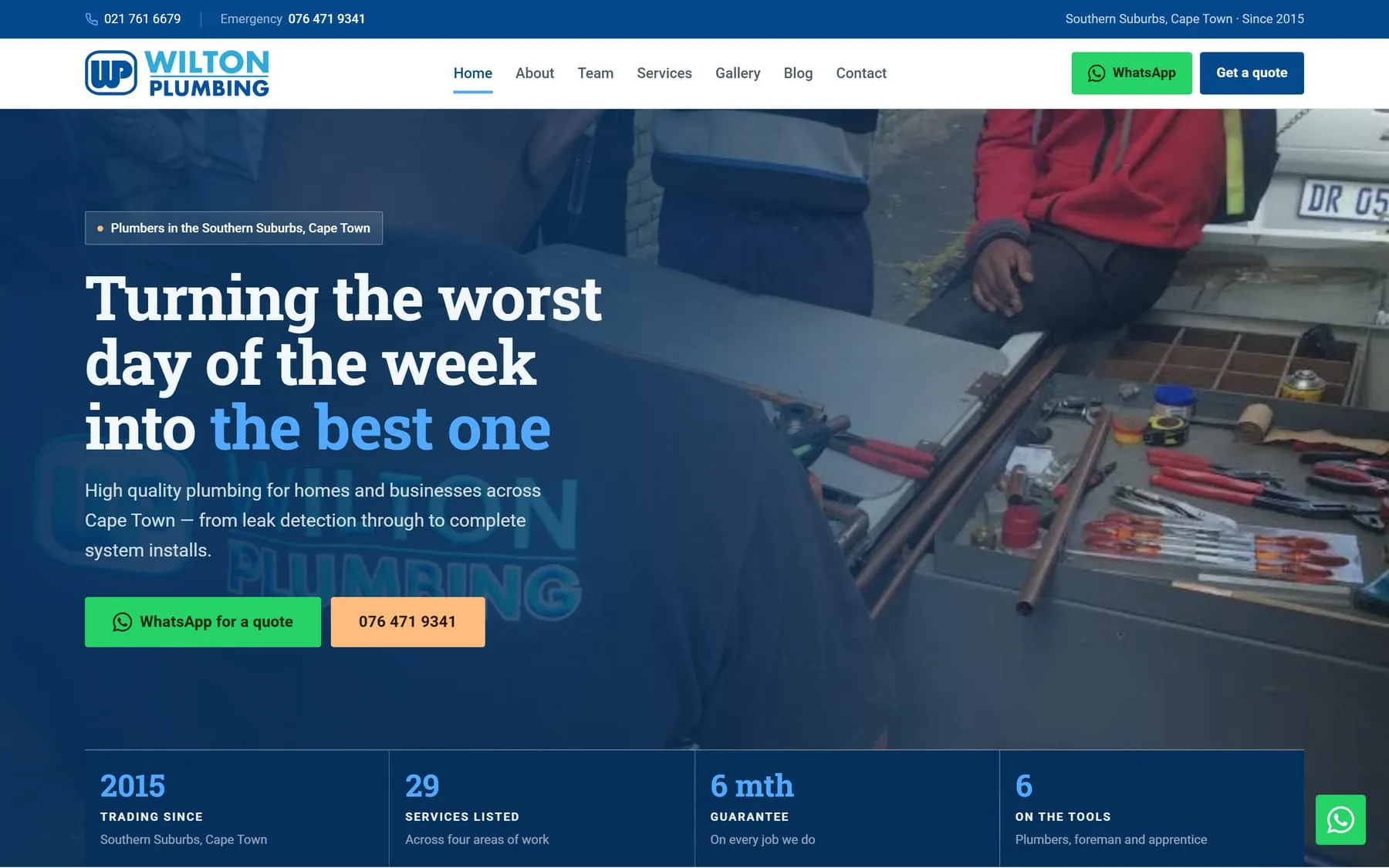
Where I have done this
Straight answers
- Will it work on my current site?
- Almost certainly. It goes onto the page you already have, whatever that was built with. If yours turns out to be the exception, I will tell you before you pay anything.
- Is this a chatbot?
- No. It asks your questions, writes the message, and opens WhatsApp. From there you are talking to the person yourself, which is the part that actually wins the job.
- Do I need a WhatsApp Business account?
- No. It works with the number you already use. There is nothing to sign up for and nothing to pay monthly.
Start a project
Need whatsapp widgets?
A business that already takes enquiries on WhatsApp and wants the conversation to start with the details rather than a blank box.
Pick whichever suits you